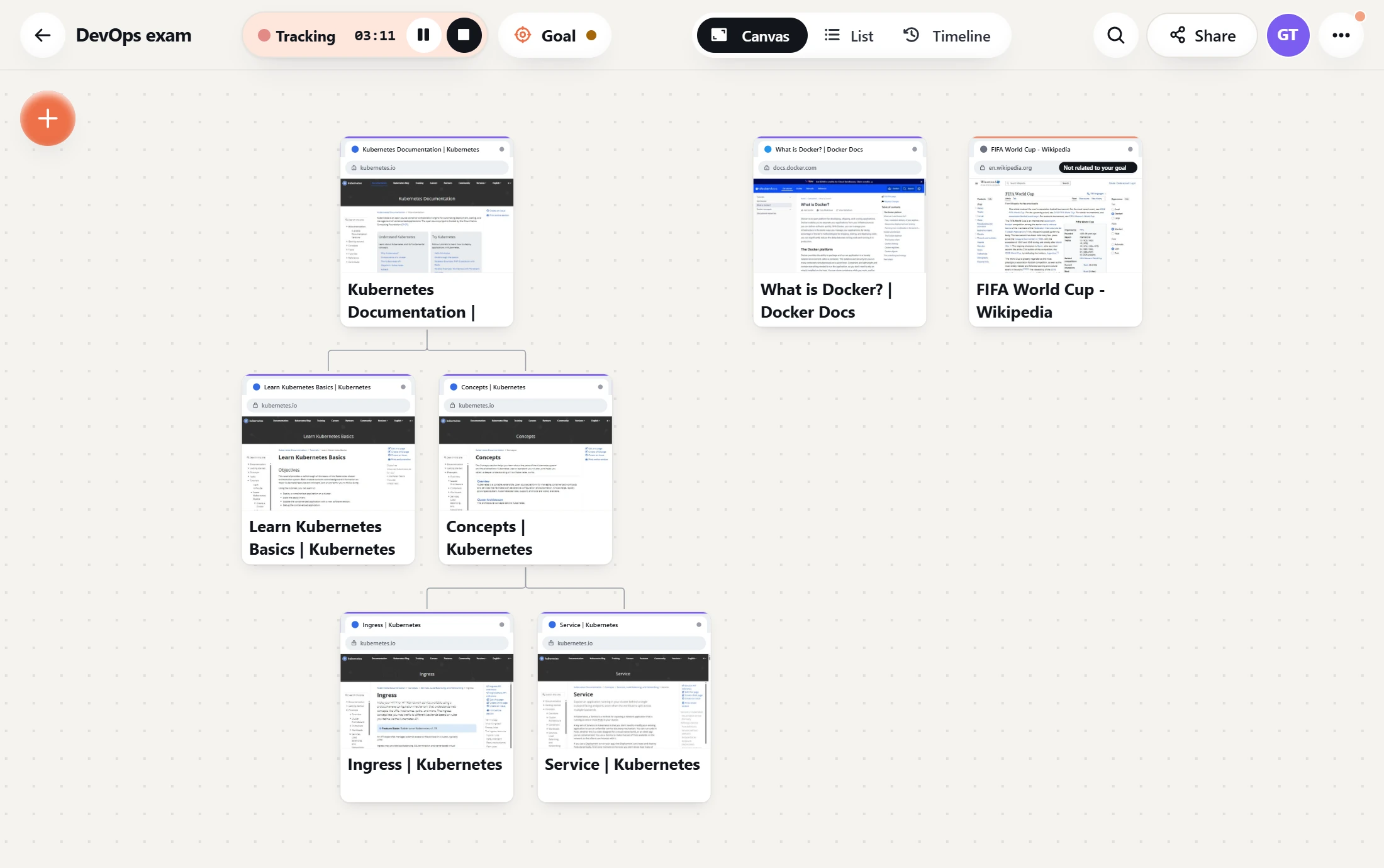
Too many tabs? We fix this.
The problem
With many tabs open, the titles are cut short. It is hard to read them, and hard to click the tab you want.
With Research Map
Every tab you open appears on one canvas with its full title. Click any page to read its summary or go straight to it.
How it works
1
Write your goal
Tell the app what you want to finish, for example: prepare for my networks exam.
2
Browse as usual
Open the pages you read. Each one is added to your canvas, with a short summary.
3
Stay on your goal
If a page is about something else, the app tells you, so you can get back to your work.
Tracking starts only when you press Start Tracking, and private sites are never read. Read about privacy